A POS app that keeps selling without internet.
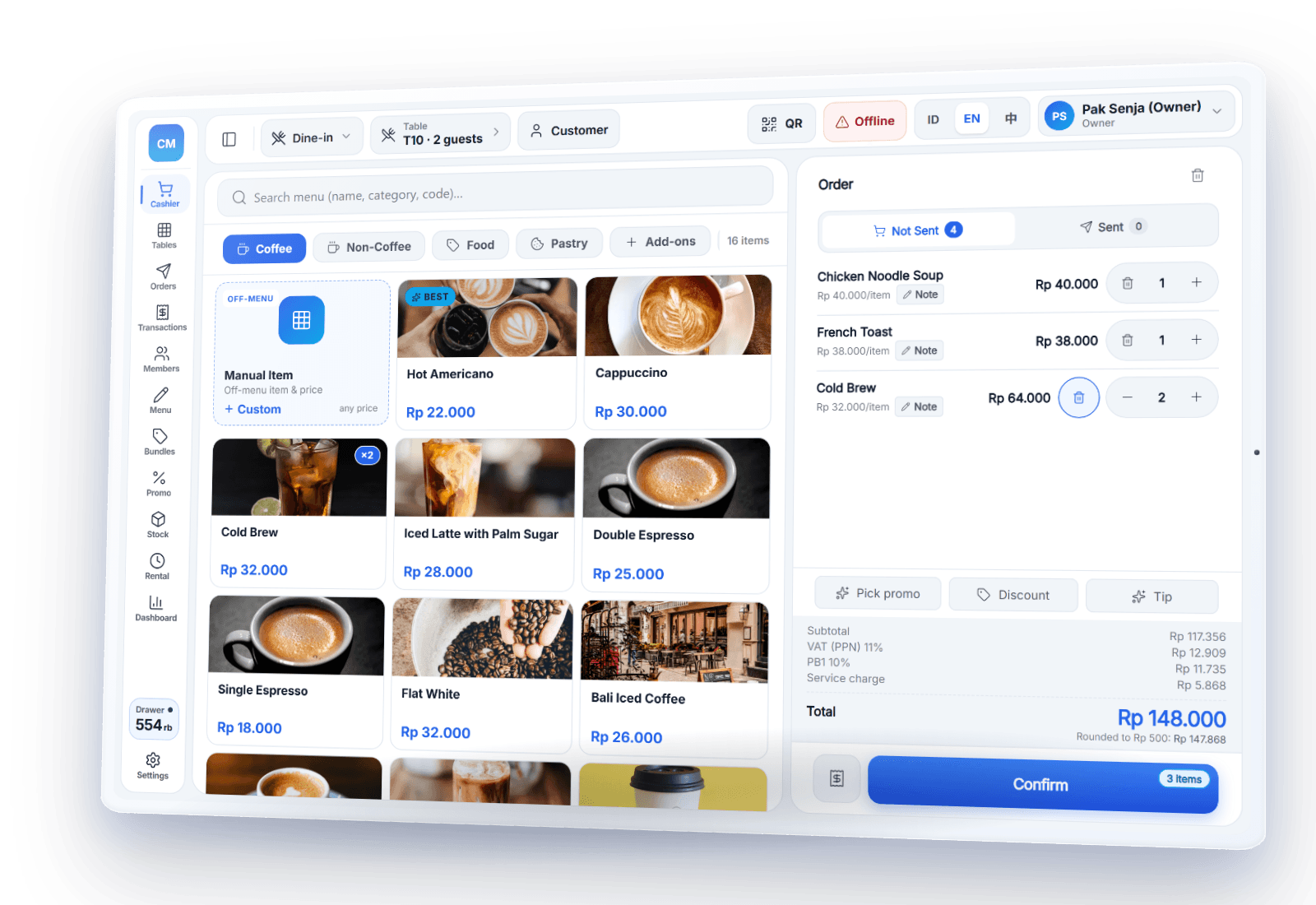
PIKaPOS's core POS functions keep running without internet. You can sell, print receipts, and take cash and static QRIS — with no time limit. Transactions are stored safely on the device until they sync automatically to the cloud once you're back online.
Three steps to keep selling offline
Internet goes down
The signal drops or Wi-Fi cuts out during the rush. The POS keeps going.
Keep serving
Sell, print receipts, and take cash as usual. Transactions are stored on the device.
Automatic sync
Once you're online, transactions go to the cloud automatically — no re-entry.
What works offline — and what needs internet
We're upfront about the limits. Core selling keeps working without a connection; digital payments, stock & product edits, QR menu orders, and reports need internet.
- ✓Sell & print receipts
- ✓Take cash & static QRIS (your printed shop QR code)
- ✓Open tables, add orders & print kitchen tickets
- ✓Close shifts & log cash in/out
- ✓Mark menu items sold out (restaurants)
- •Cards (EDC) & e-wallets
- •Stock & product edits
- •Orders from the QR menu
- •Reports & cross-device sync
Truly offline, not just a promise
The internet can drop at any time — during the rush, in a weak-signal spot, or when the Wi-Fi acts up. PIKaPOS makes offline the foundation: no time limit, no cost.
- ✓No time limit on offline selling
- ✓Free, with no extra charges
- ✓Transactions stored safely on the device until they sync
Frequently asked questions
How long can PIKaPOS stay offline?+
Will I lose data if I close the app while offline?+
Can I accept QRIS while offline?+
Do I have to pay for offline mode?+
A POS that keeps going when the internet doesn't
Try PIKaPOS for free — keep selling, online or offline.