Payments
Take cash, QRIS, card or bank transfer, combine several payment methods, split the bill evenly per person, or take a deposit first.
Cash
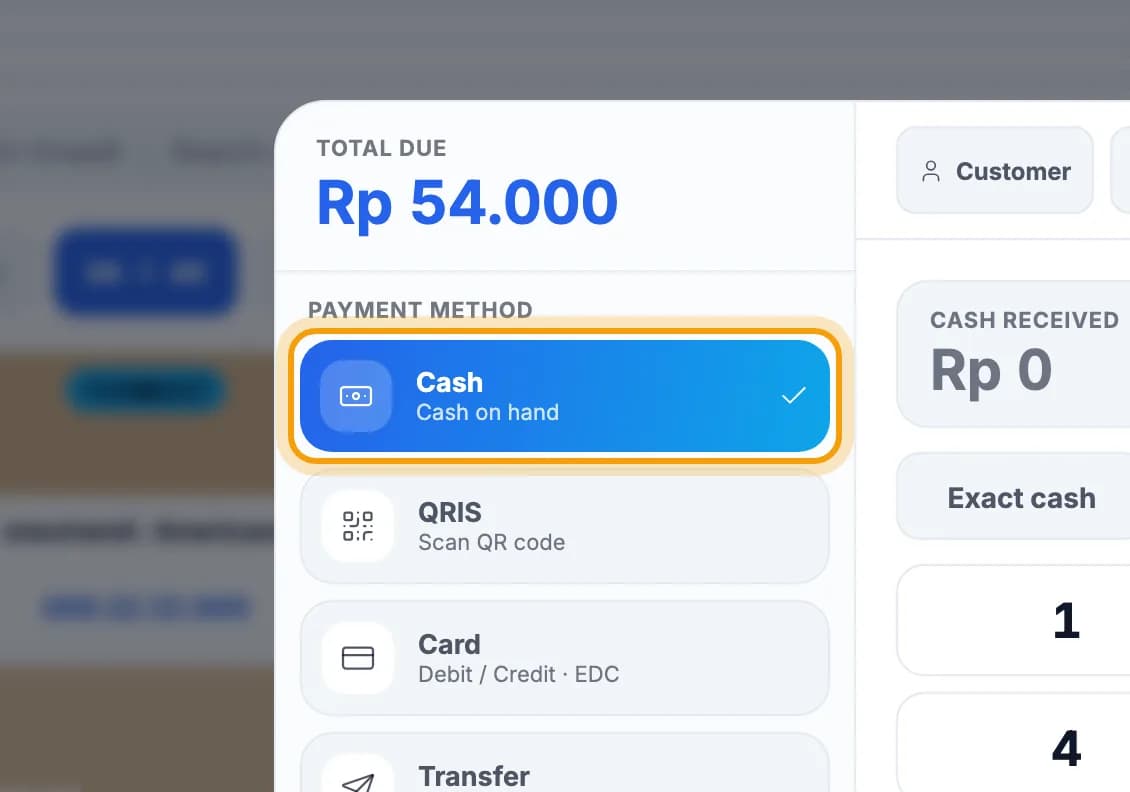
On the payment screen, tap Cash.This screen opens after you tap Pay tab.
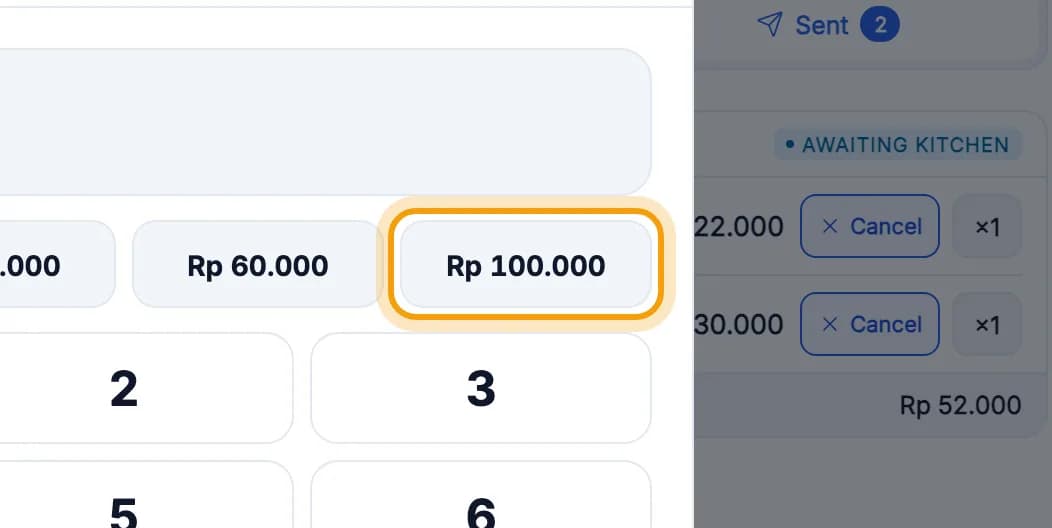
Tap the amount the guest hands you, for example Rp 100.000.Exact money? Tap Exact cash. Any other amount can be typed on the keypad.
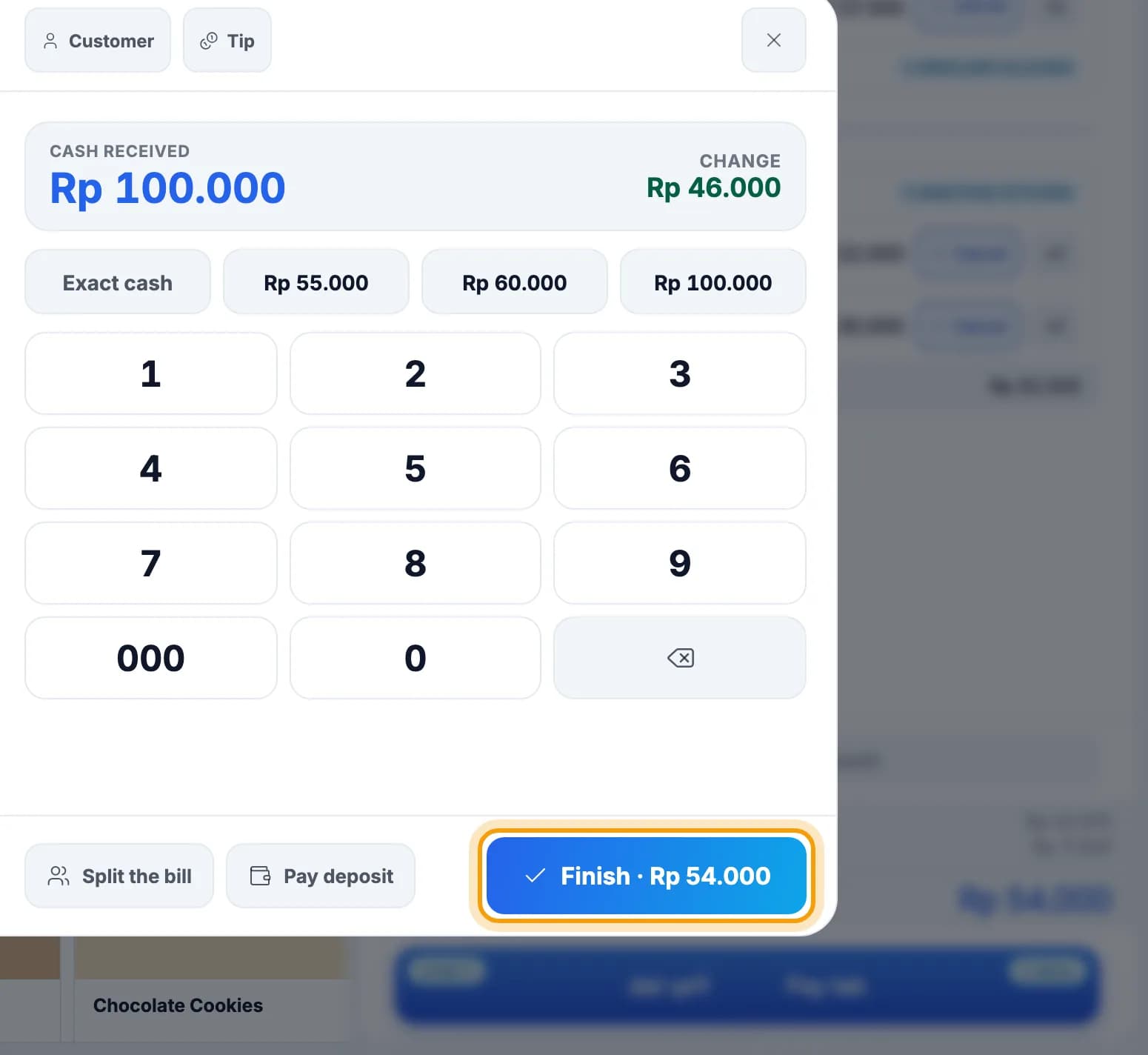
Give the change shown under Change, then tap Finish.
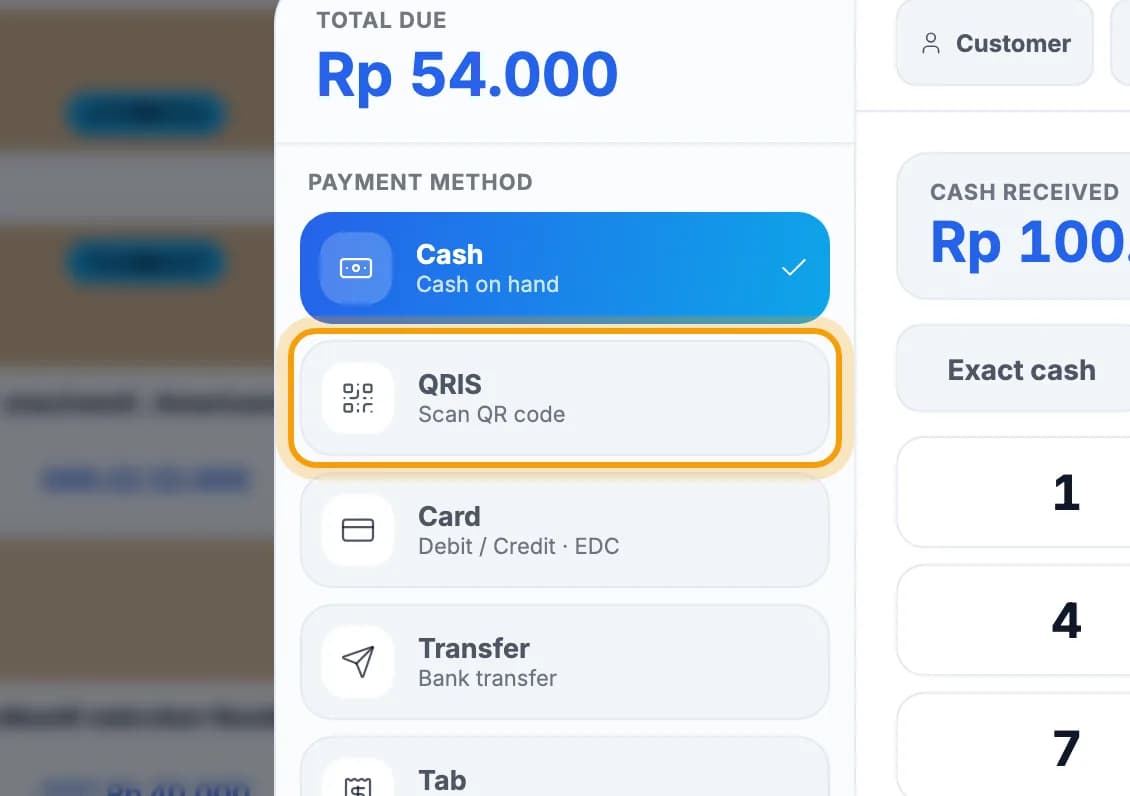
QRIS, card & transfer
Tap QRIS, then ask the guest to scan your shop's QRIS and pay the bill amount.For a card tap Card (swipe it on your EDC machine), for a transfer tap Transfer. The next steps are the same.
Once the money has arrived, tick QRIS (Static) payment received.Check your bank or e-wallet notification, or the EDC slip, first.
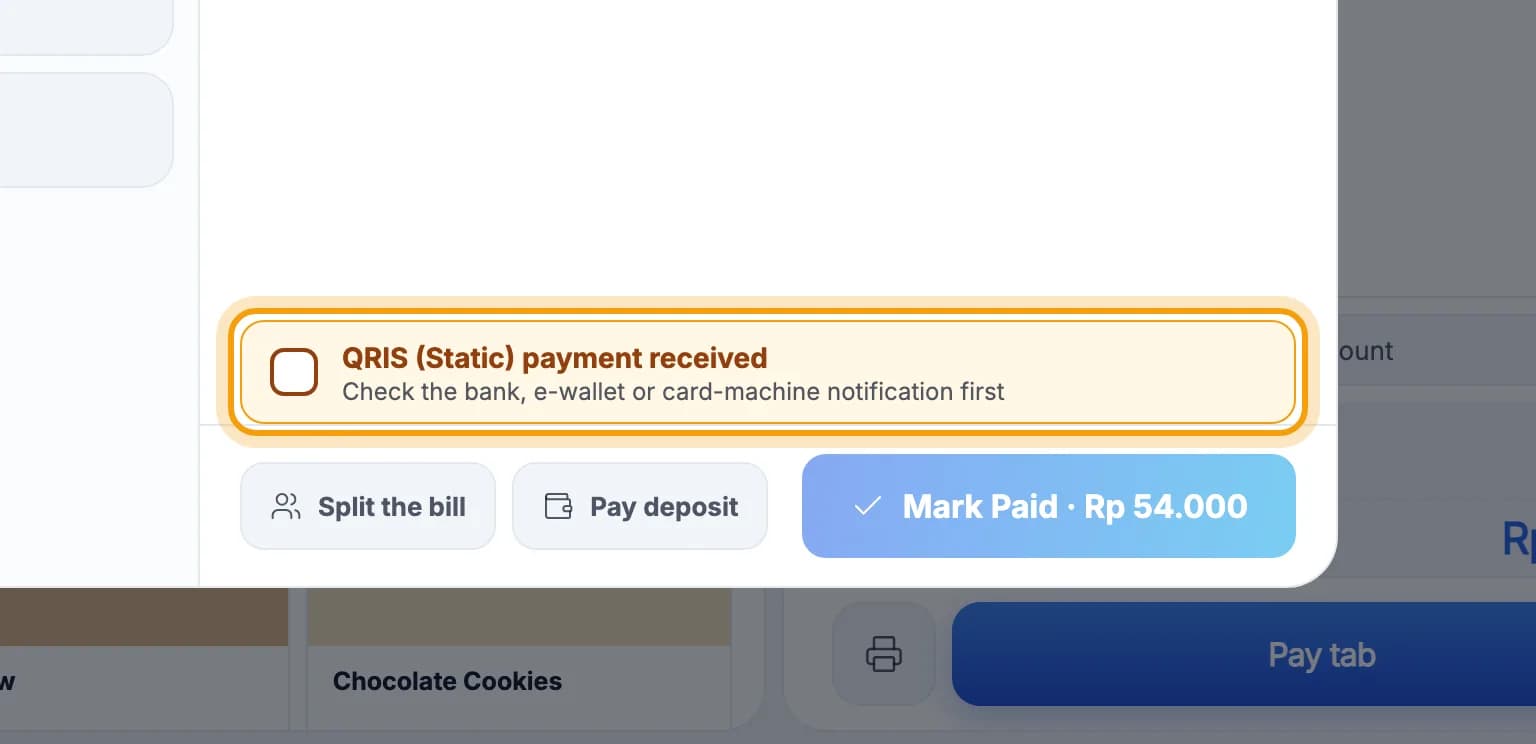
Tap Mark Paid.
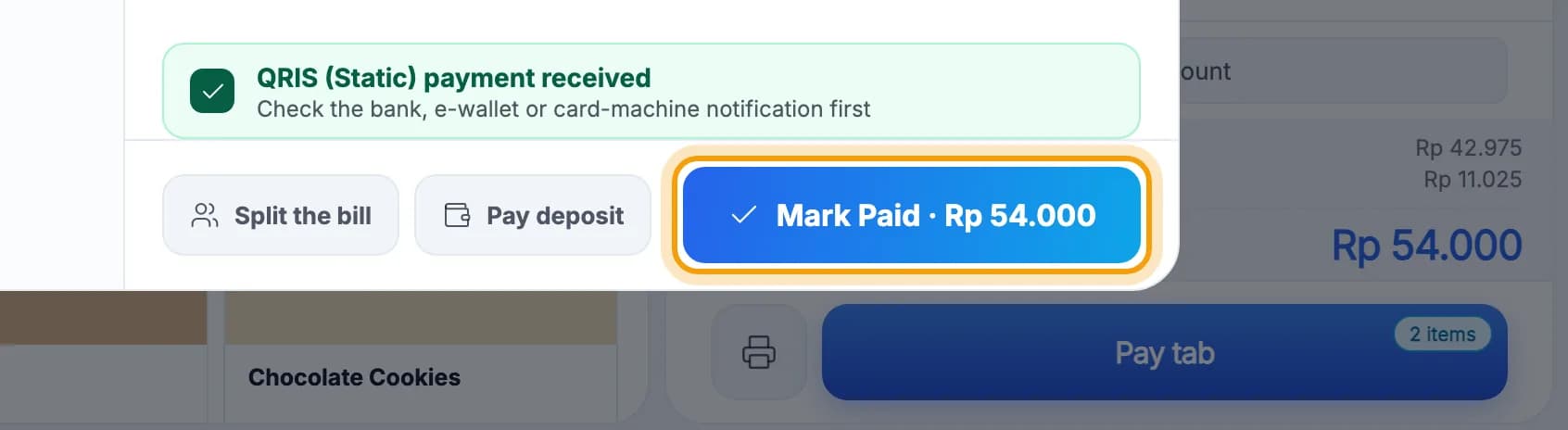
Note: PIKaPOS only records QRIS, card and transfer payments; it doesn't charge them. The guest pays into your own QRIS, EDC machine or bank account. Don't tick the box until the money has really arrived.
Tip: A regular who pays later? Tap Tab, then Pick customer. Paying on account only works for registered members.
Several methods & per-person split
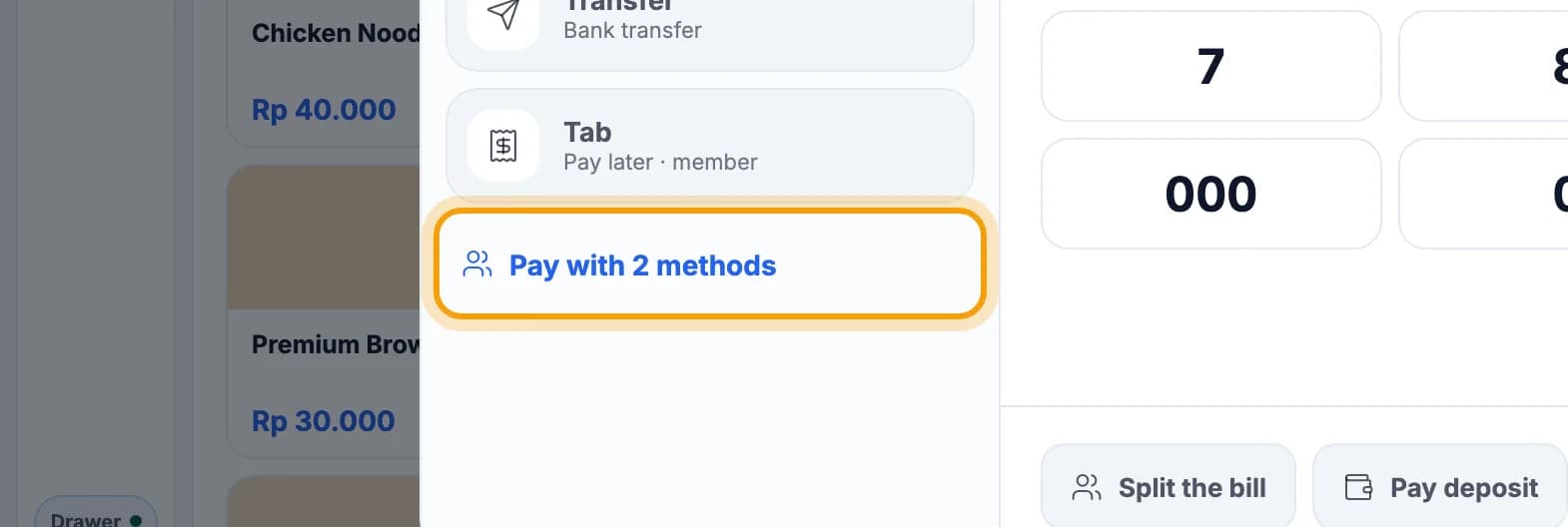
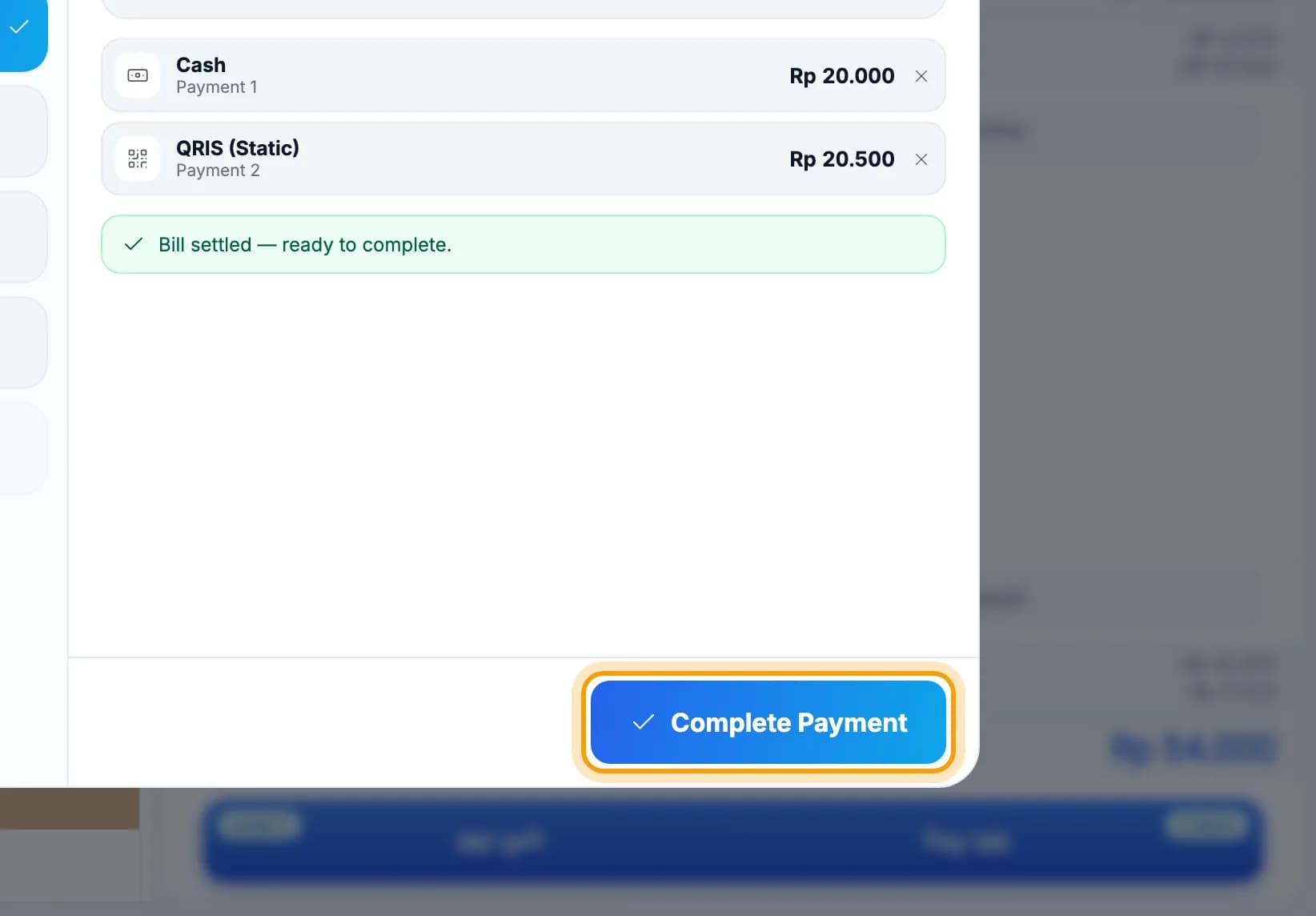
Guest paying two ways, say part cash and the rest QRIS? Tap Pay with 2 methods below the payment methods.
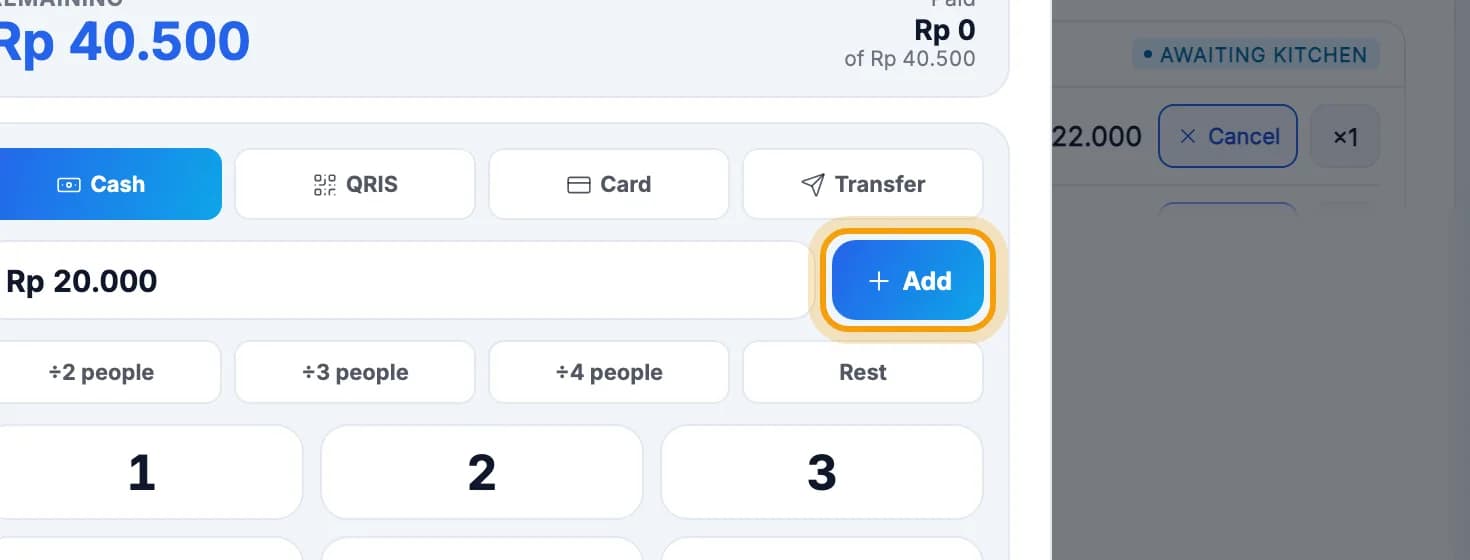
Choose the method, type the amount, then tap Add.
Add the rest the same way, then tap Complete Payment.The Rest button fills in what's still unpaid. For QRIS, card or transfer, tick that the money has arrived first.
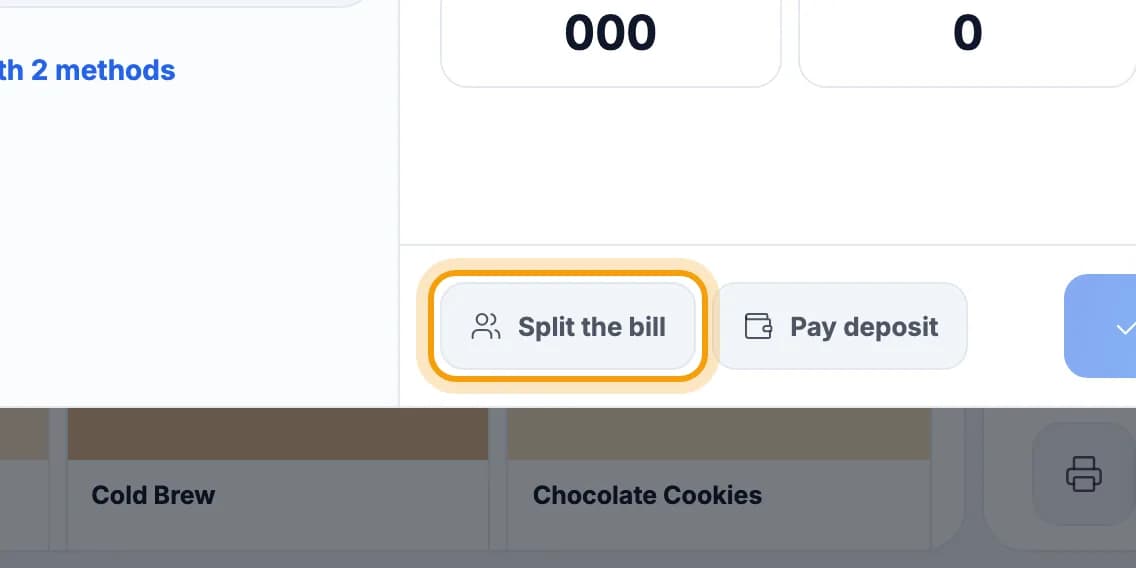
Splitting evenly per person? Tap Split the bill.The bill is divided equally between everyone.
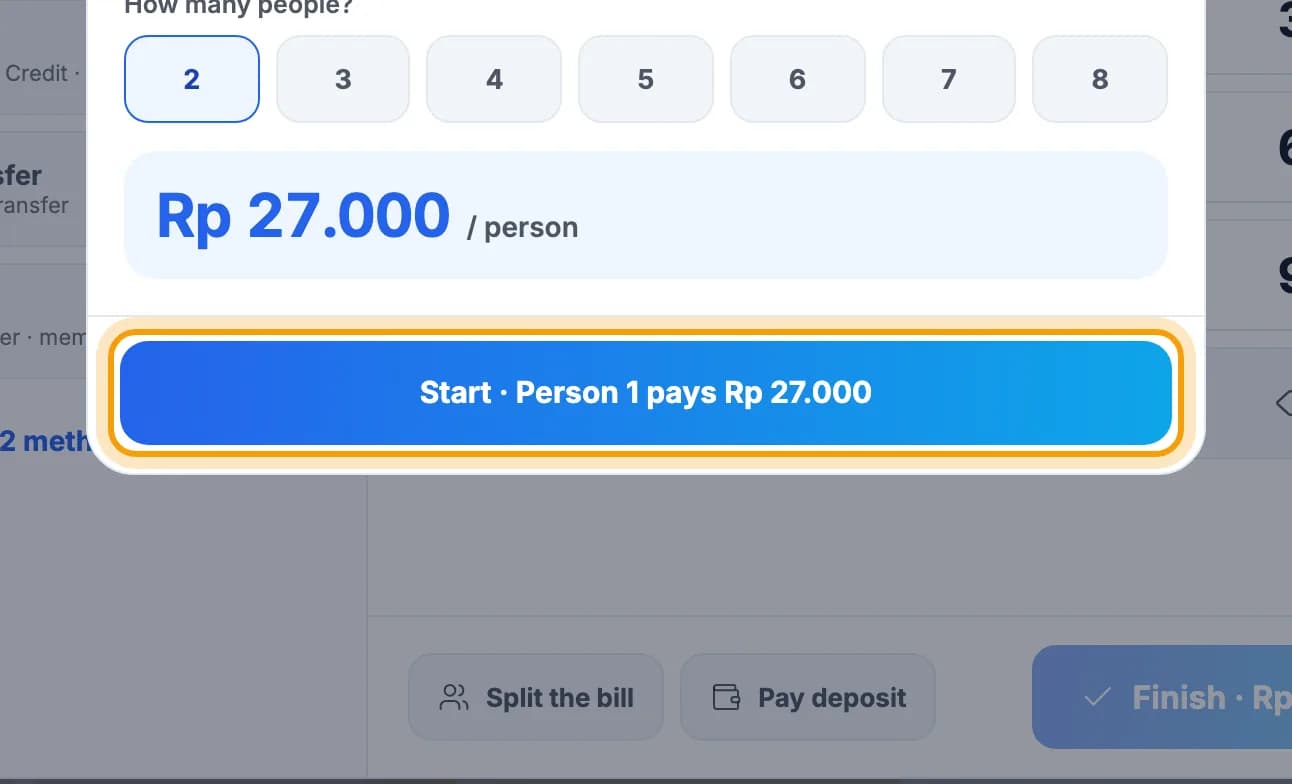
Pick the number of people, then tap Start · Person 1 pays Rp 27.000.
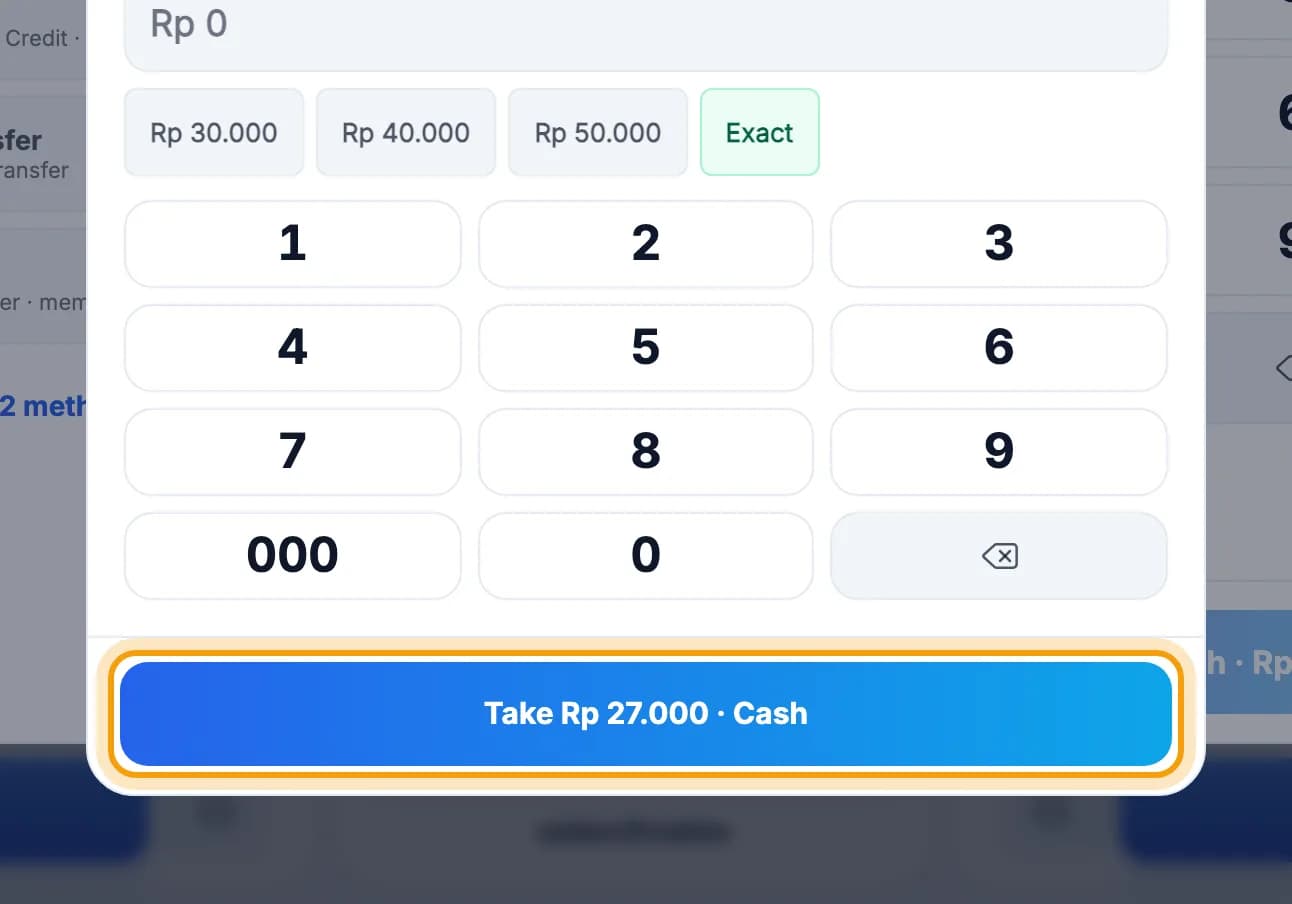
Choose how the first person pays, then tap Take Rp 27.000 · Cash. Repeat for the next person until it's paid.Each person can pay a different way.
Deposit
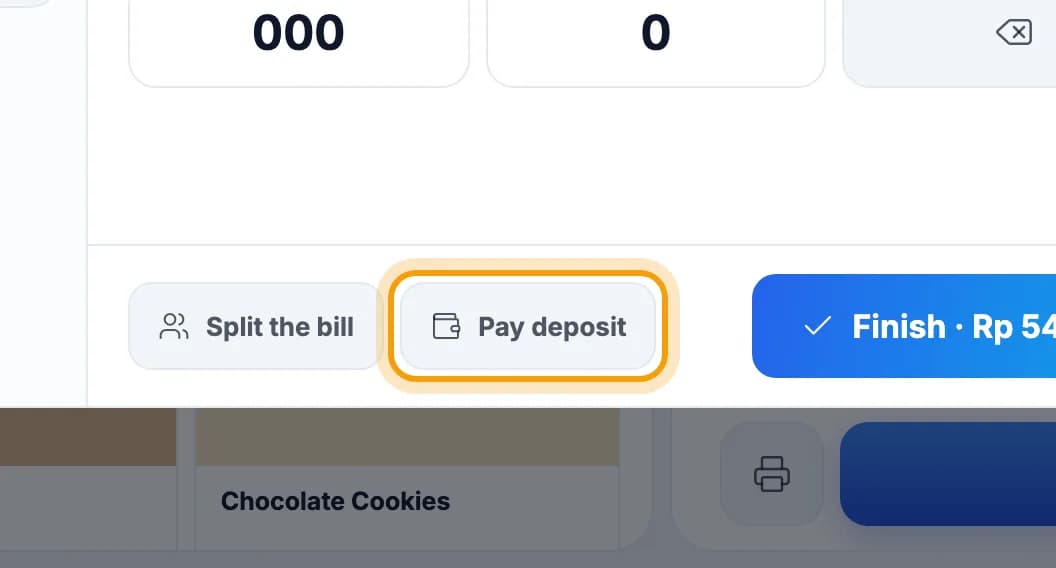
Guest paying part now? Tap Pay deposit.
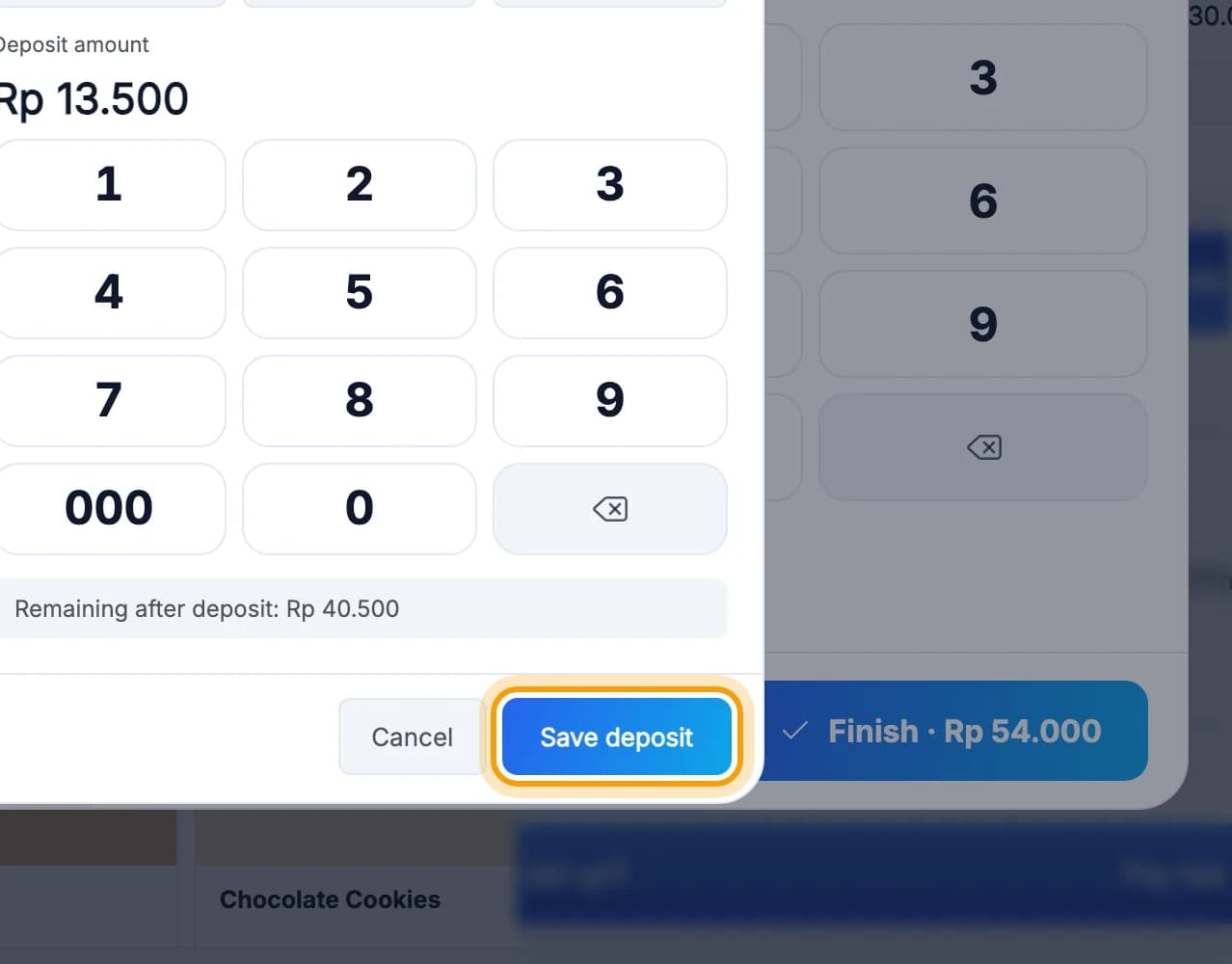
Choose the method and the amount, then tap Save deposit.To settle later, tap the table on the Tables screen: its order opens straight away. Then tap Pay tab. The deposit is already taken off the bill.
Done.
Bookmark this page, or send a section's link to your staff.