Shifts & closing the till
Record cash going in and out of the drawer during the shift, then close the books at the end: count the cash, check the difference, print the close-shift report.
Record cash in & out of the drawer
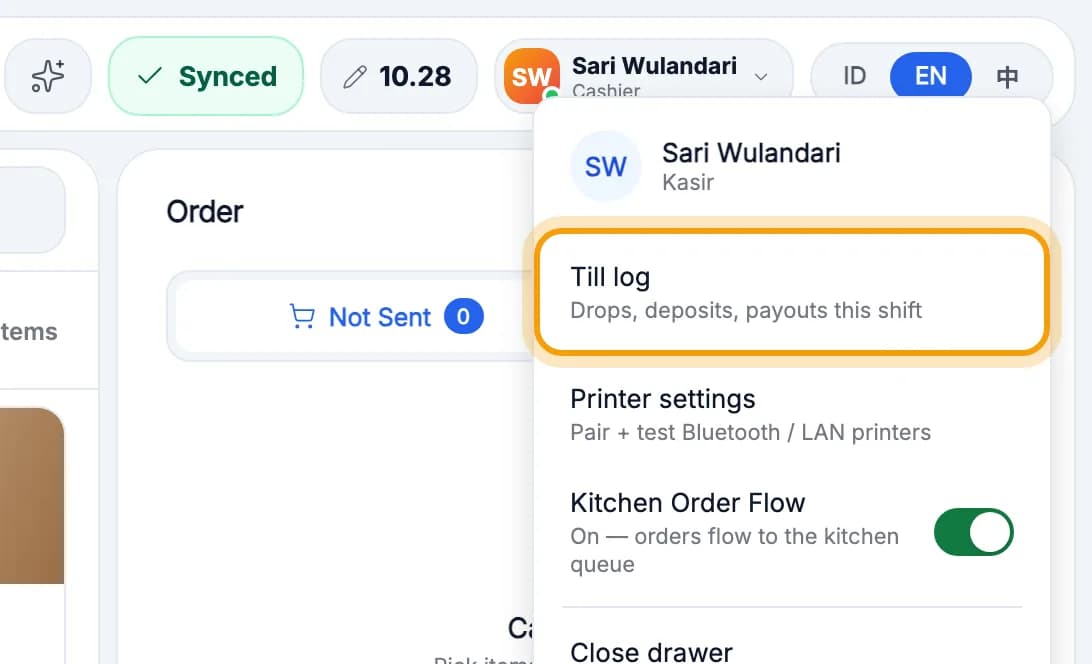
Tap your name at the top right, then Till log.
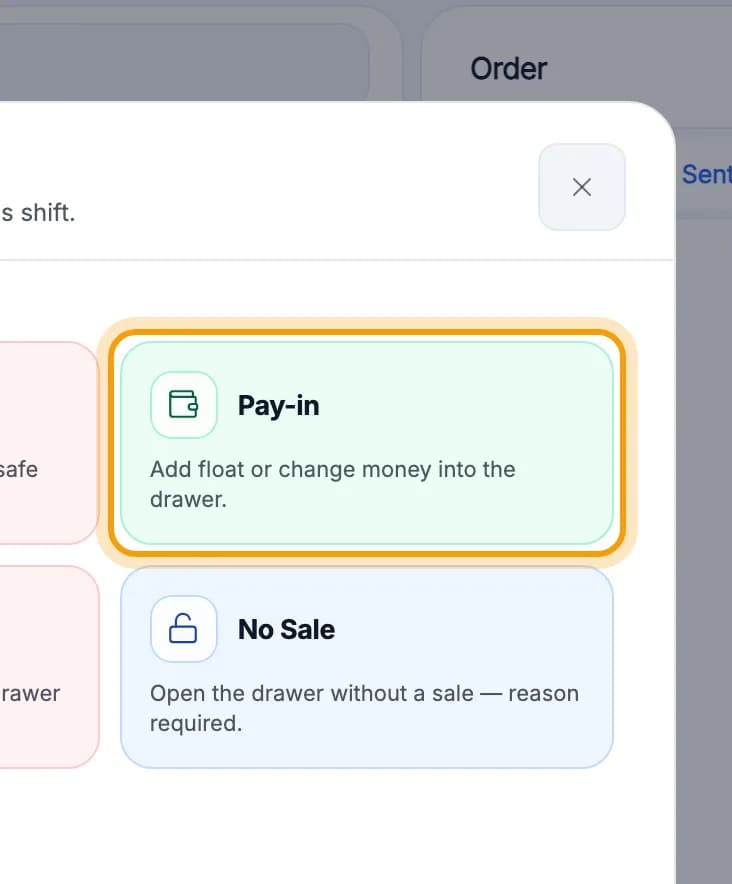
Choose the type, for example Pay-in to add change to the drawer.Drop to safe moves cash to the safe. Pay-out is for small purchases paid from the drawer.
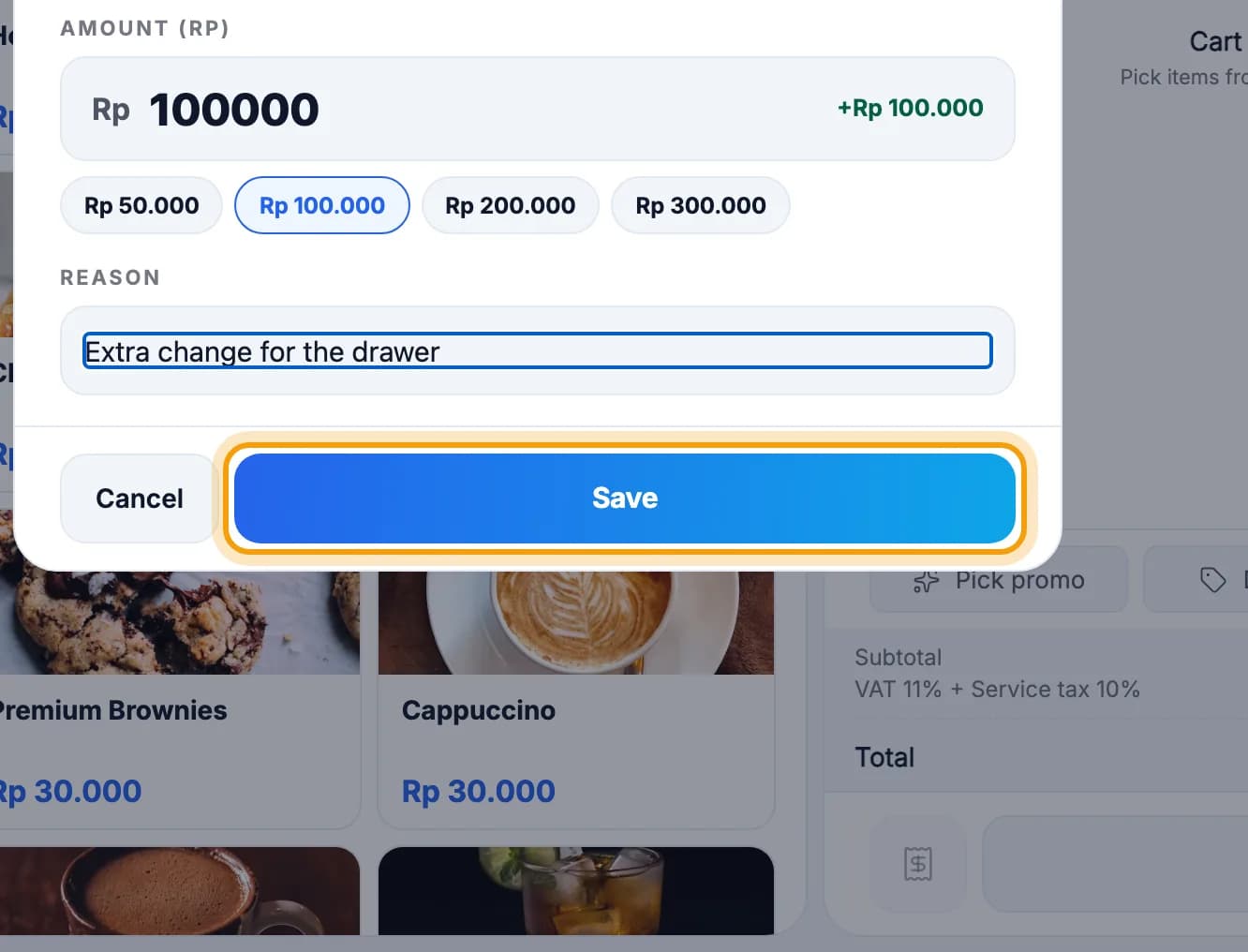
Pick or type the amount, add a reason, then tap Save.
Tip: Pay-outs and drops of Rp 1 million or more need a manager PIN. Every till movement is counted when you close the books.
Close the books
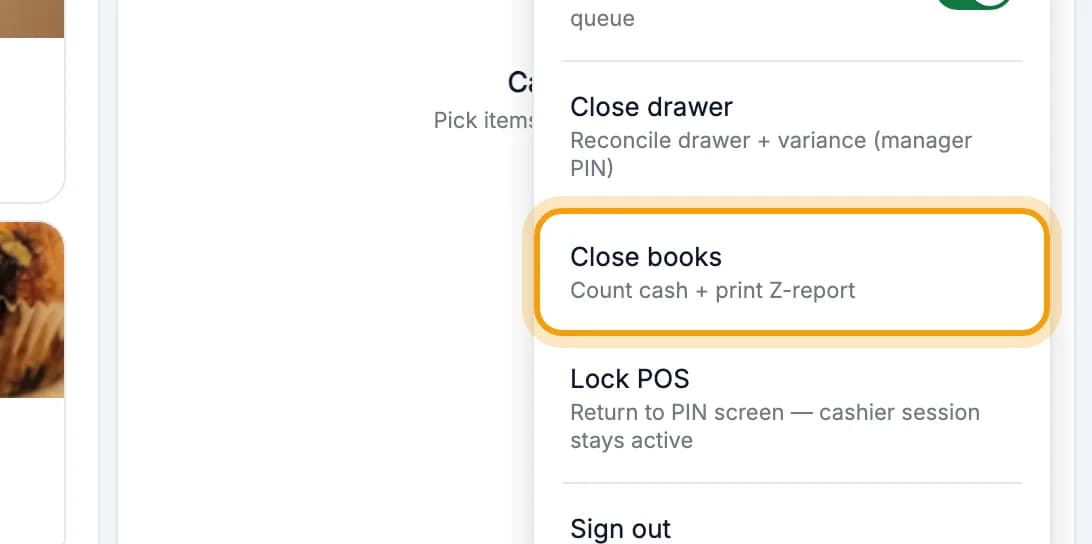
At the end of the shift, tap your name, then Close books.Close drawer in the same menu is different: it only reconciles the drawer and the shift stays open.
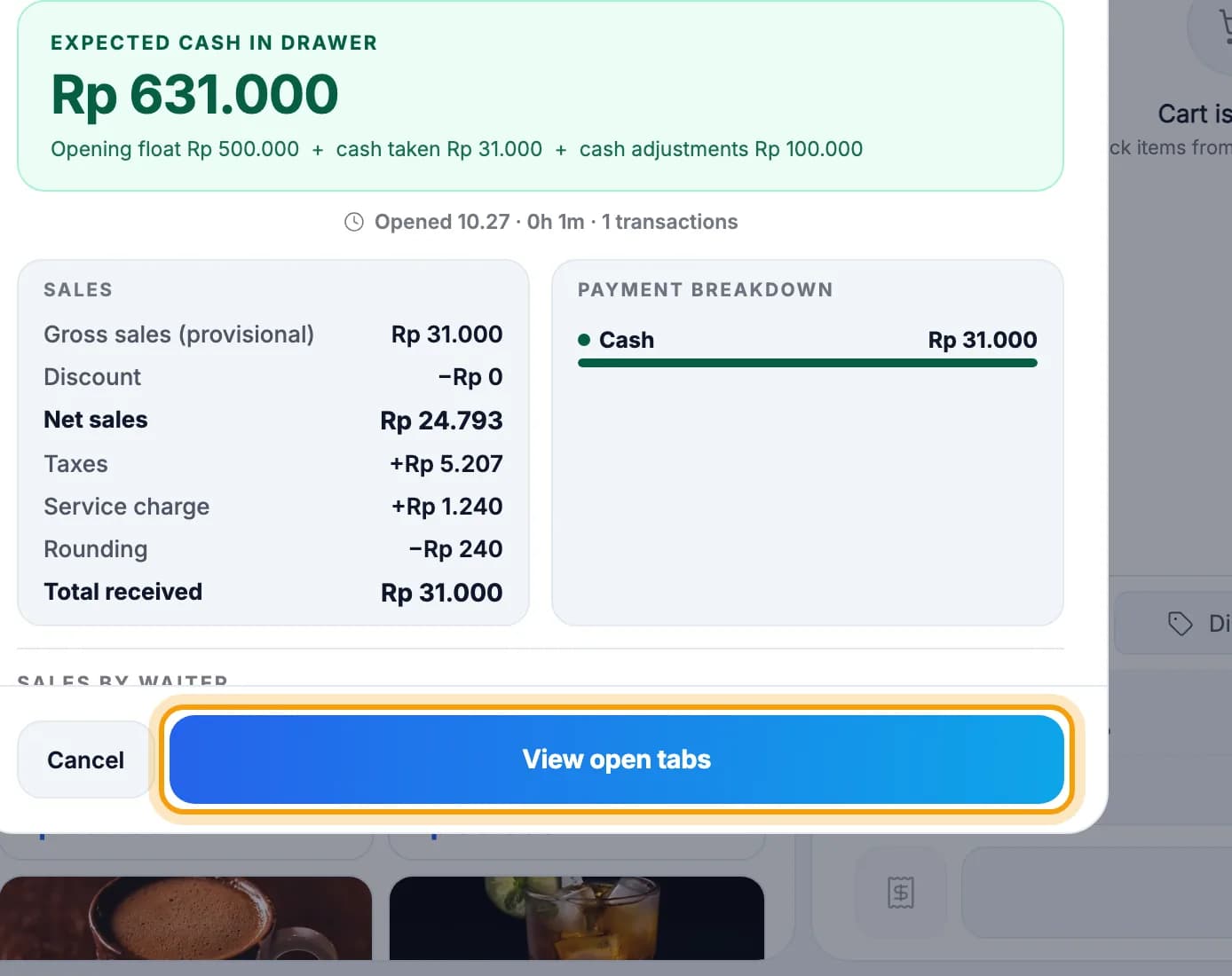
Check the shift summary. Any orders still unpaid? Tap View open tabs.If everything is paid, the button says Continue to close.
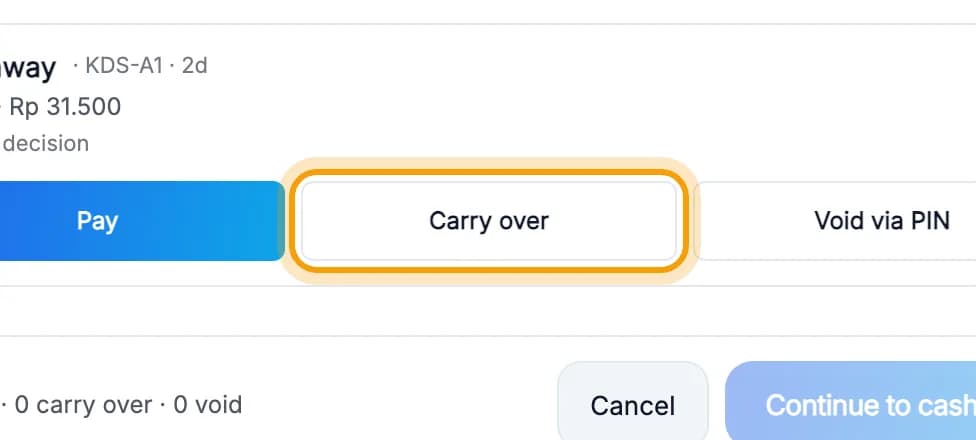
Pay each order, or tap Carry over to pass it on to the next shift.Void via PIN cancels the order with a manager PIN.
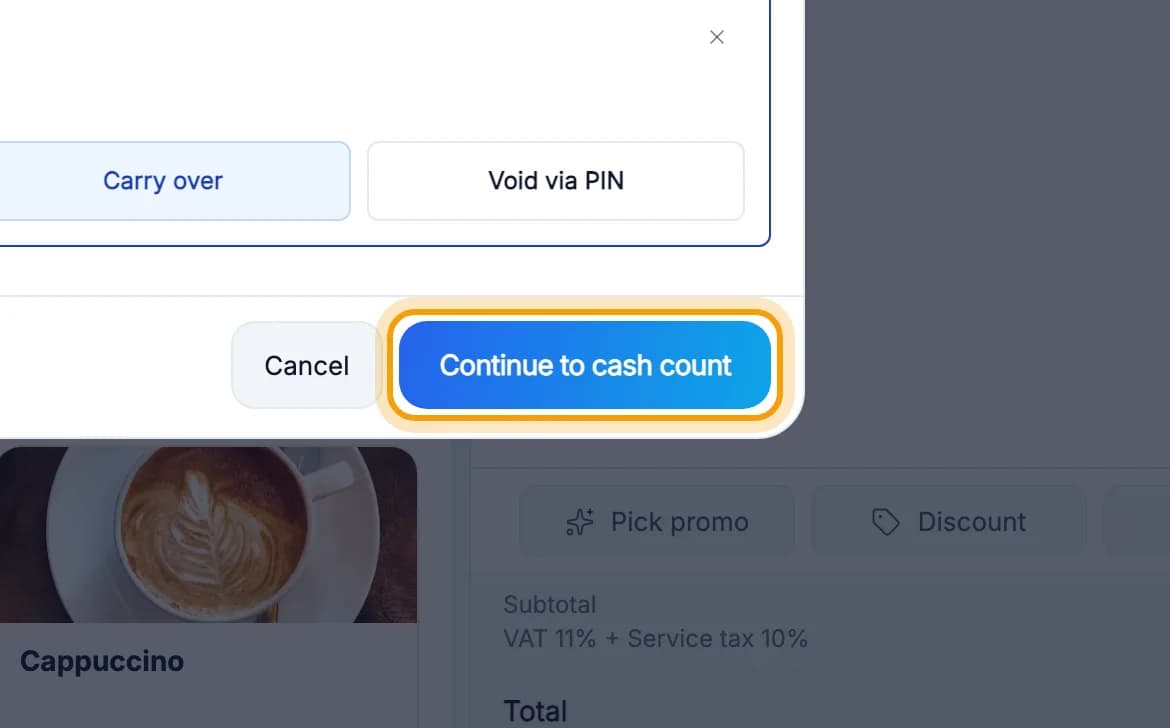
Tap Continue to cash count.
Note: The web admin cannot close a shift. Closing the books is always done in the cashier app.
Count the cash in the drawer
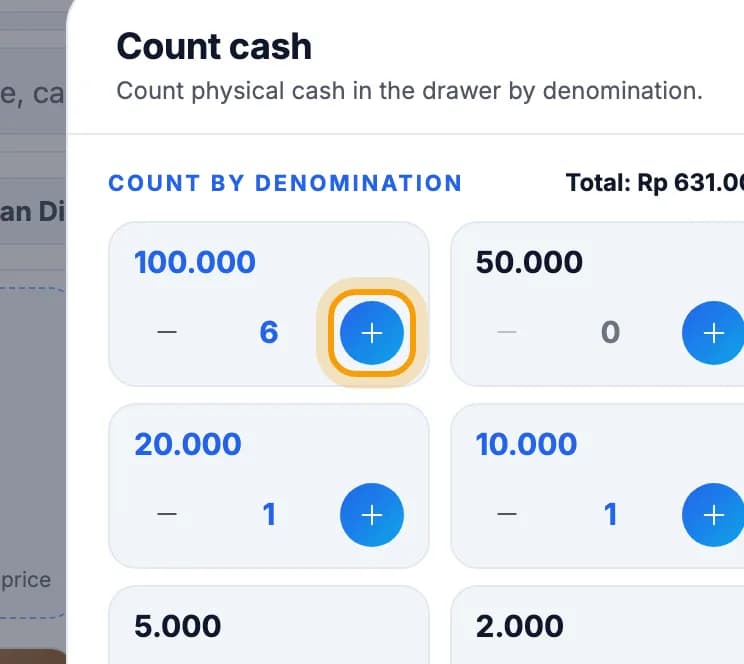
Count by denomination: tap + once for every note.You can skip 500, 200 and 100 coins. Put their total under Loose change.
Check the difference box. Cash matches means the drawer agrees with the system.A difference over the limit (for example Rp 50.000) needs a manager PIN.
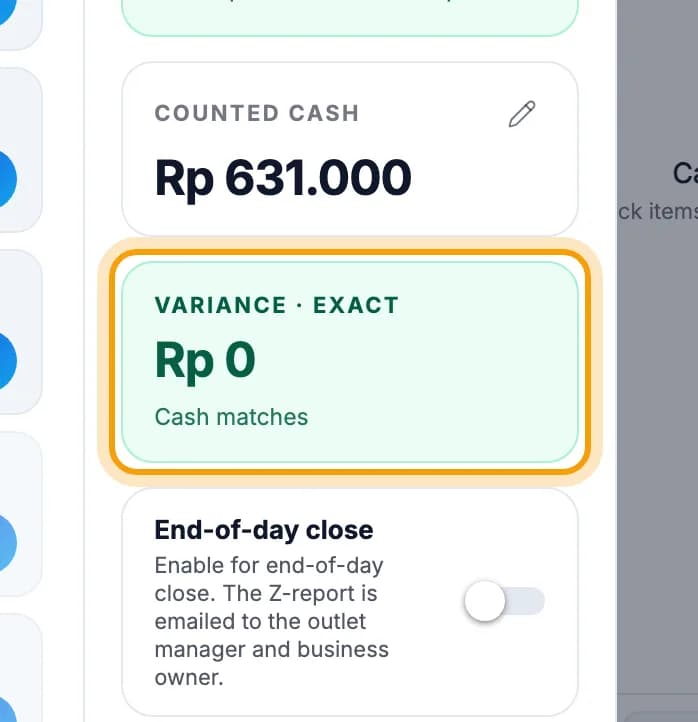
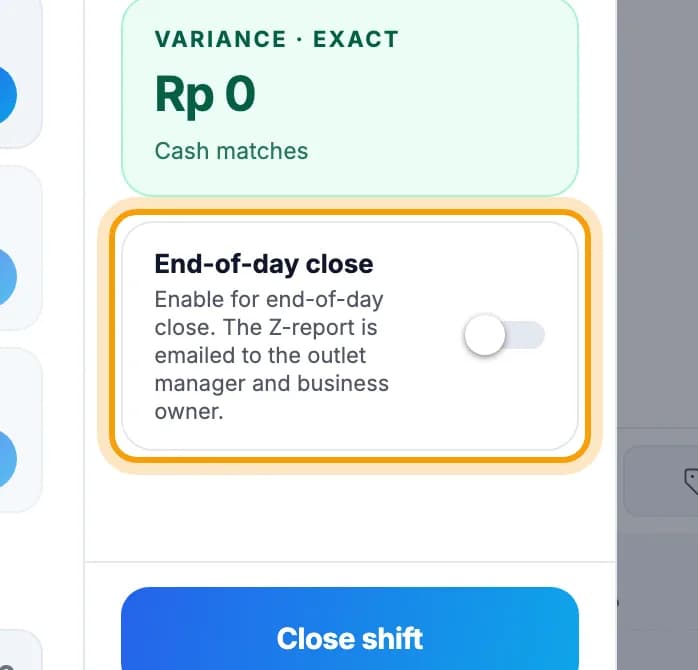
Last shift of the day? Turn on End-of-day close.The report goes to the outlet manager and the owner. Leave it off if another shift follows.
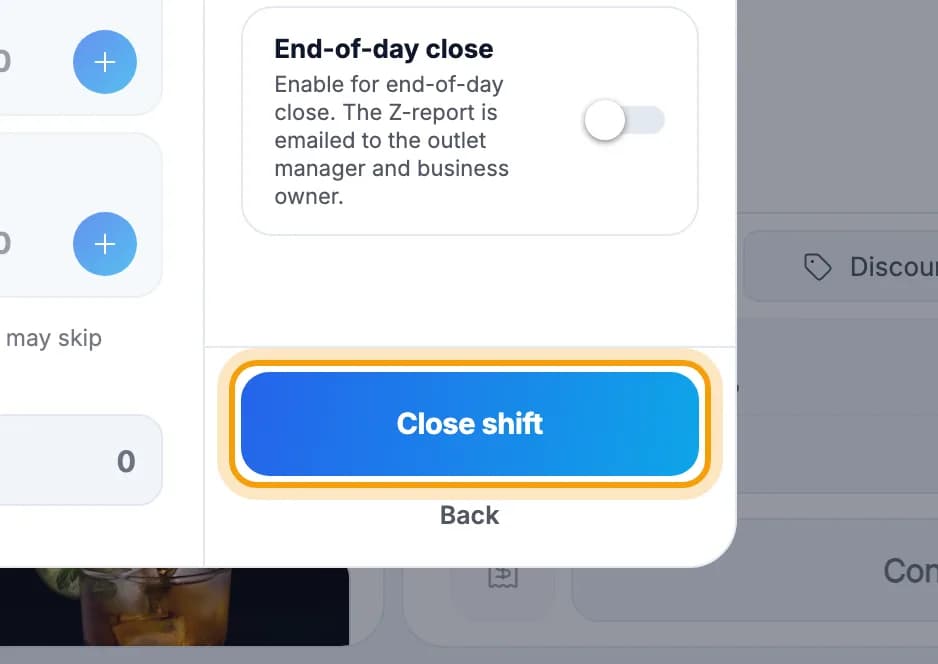
Tap Close shift.Big difference? The button reads Close with variance → and a manager enters their PIN.
The close-shift report
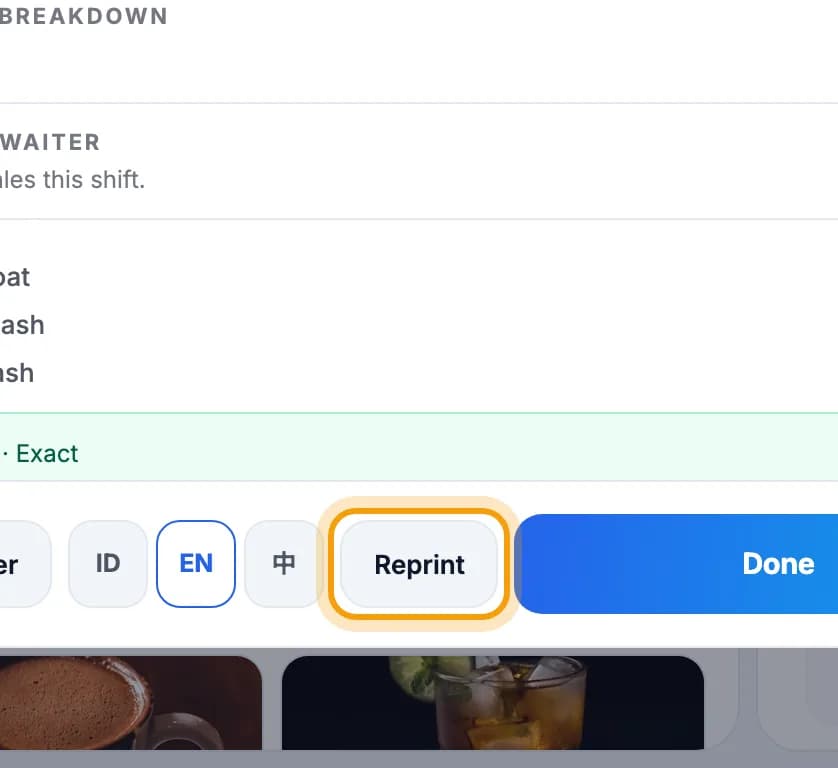
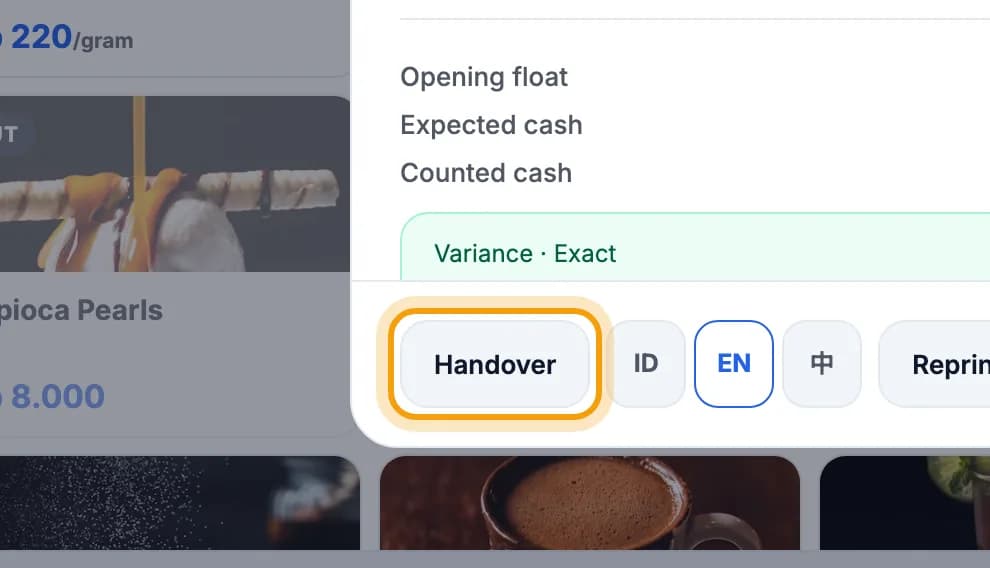
The close-shift report prints on the till printer. Need another copy? Tap Reprint.It lists sales, payments by method, expected cash, counted cash and the difference. Pick its language with ID / EN / 中.
Changing cashier? Tap Handover to print the cash handover slip.Only a manager or the owner can open this slip.
Note: The close-shift report is locked and can't be changed. Count the cash carefully before you tap Close shift.
See it in the web admin
In the web admin, open Reports, then tap Z-Report.
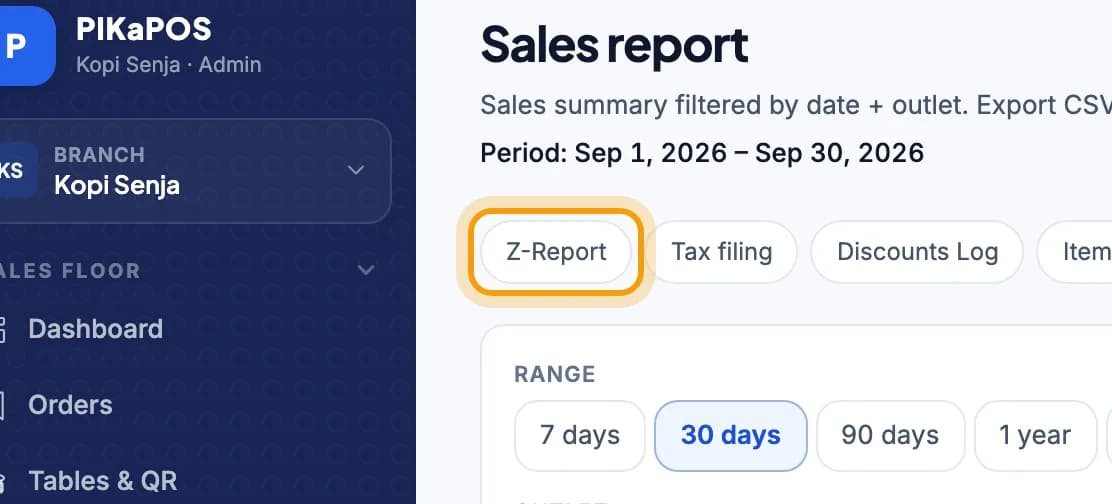
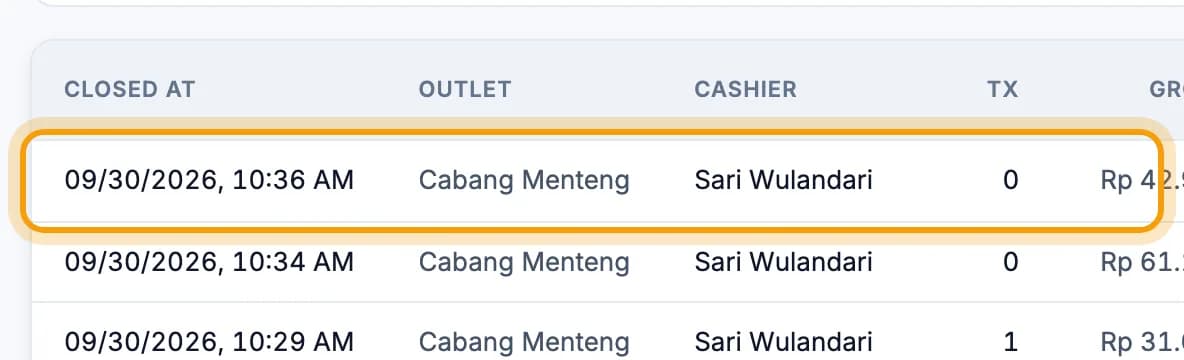
Every close is one row. Tap it to see the details, including the cash difference.The top row is the most recent close.
Done.
Bookmark this page, or send a section's link to your staff.