Reports & bookkeeping
See today's takings, sales for any period and your best sellers, and download the data for your books. All from the web admin, which works on your phone too.
Today's numbers
Open the web admin, then tap Dashboard in the left menu.On a phone, the left menu is behind the ☰ button.
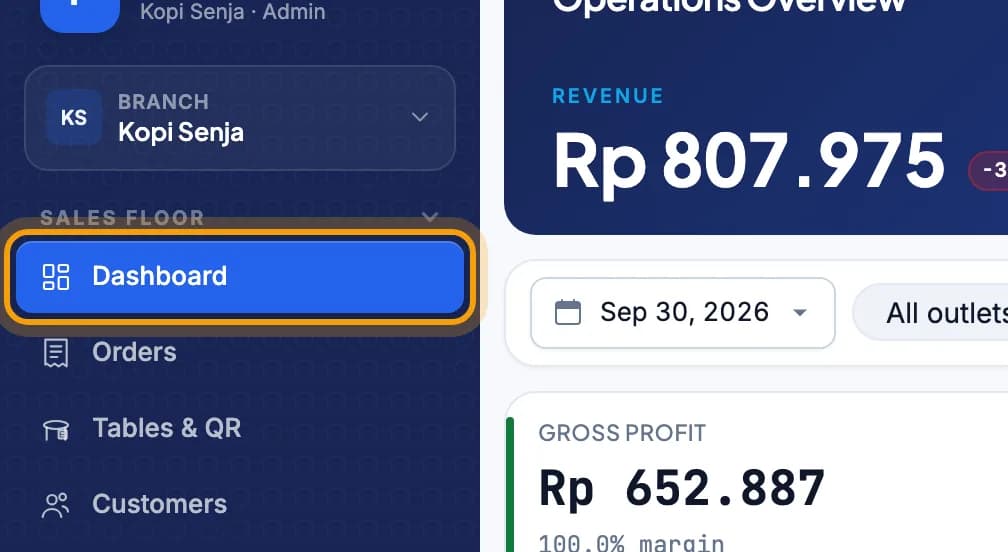
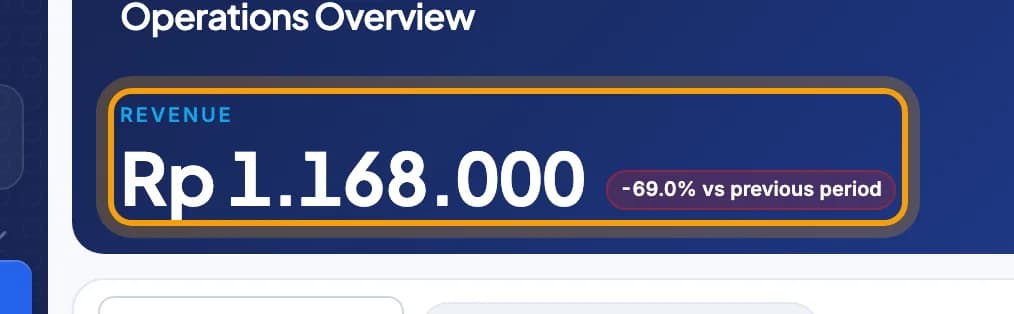
Look at Revenue: the money taken, tax included and refunds already taken off.Below it are gross profit, refunds, PPN, PB1 and service charge.
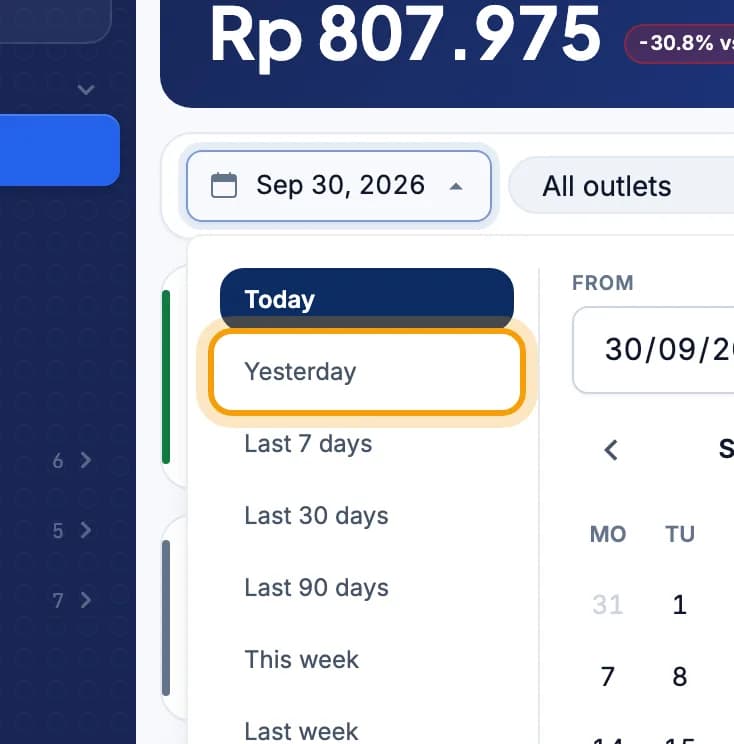
Another day? Tap the date above the cards, pick for example Yesterday, then tap Apply.The outlet picker is next to the date.
Sales report for a period
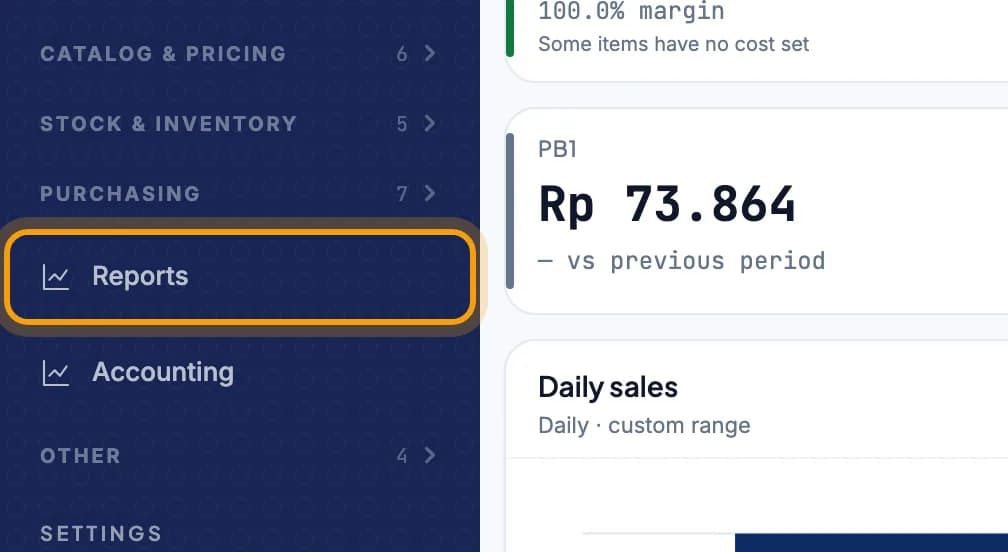
Tap Reports in the left menu.
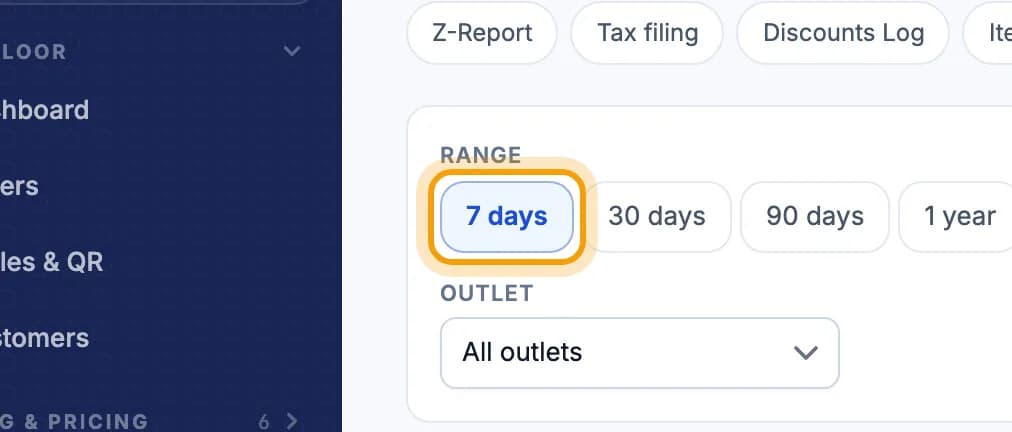
Choose a range, for example 7 days.Want your own dates? Tap Custom.
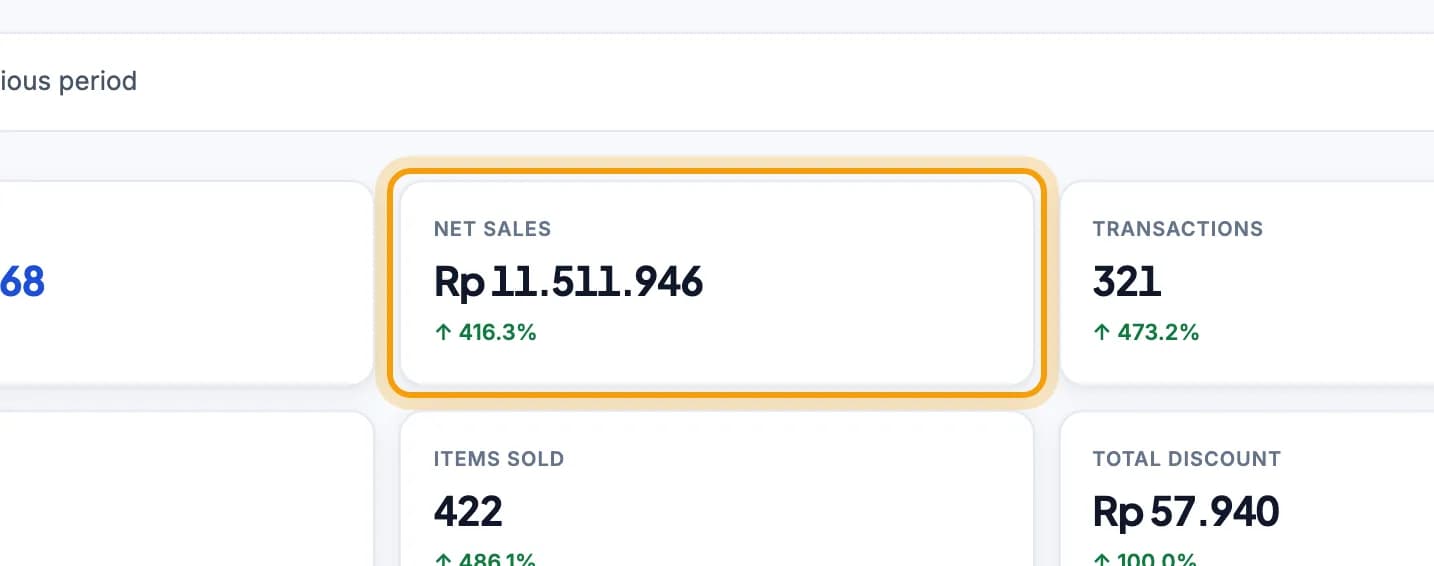
Look at Net sales: sales before tax, after discounts and refunds.Refunds also have their own Refund card.
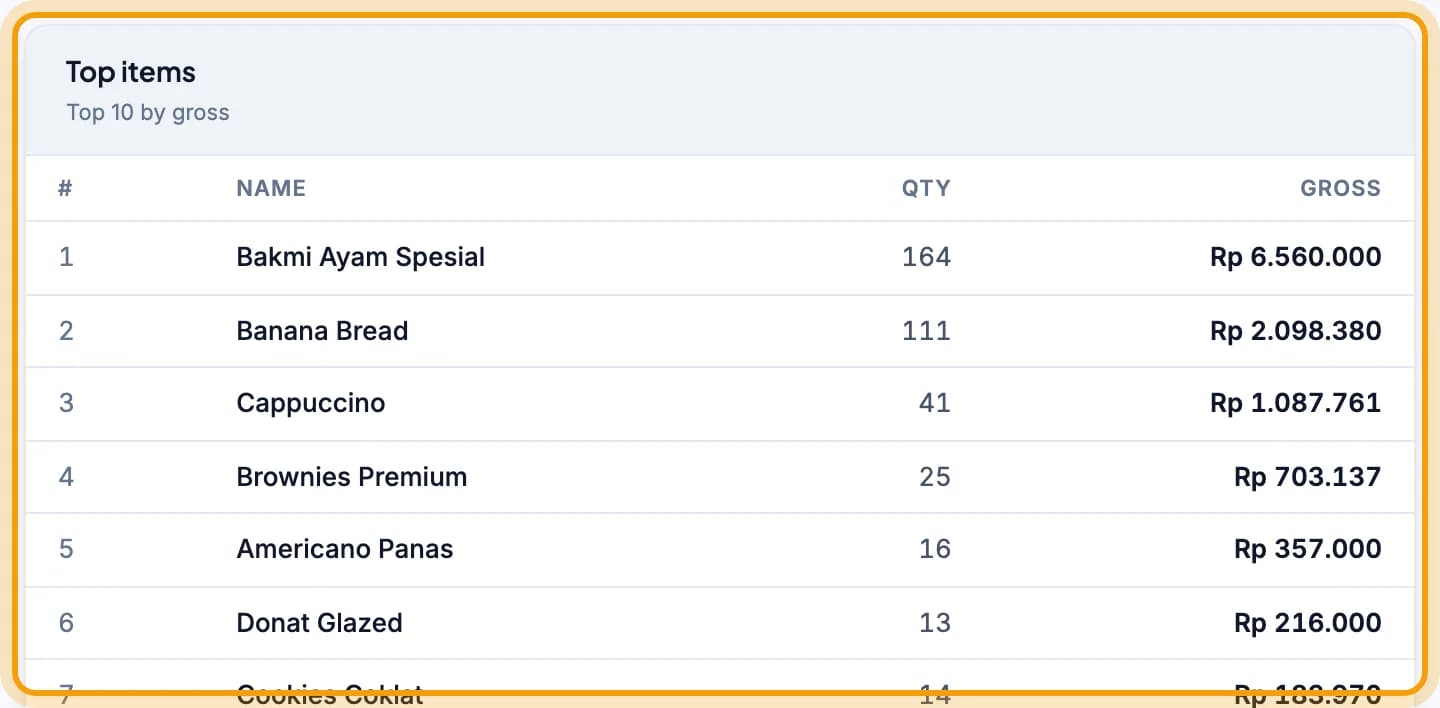
Scroll to Top items to see what sells best.
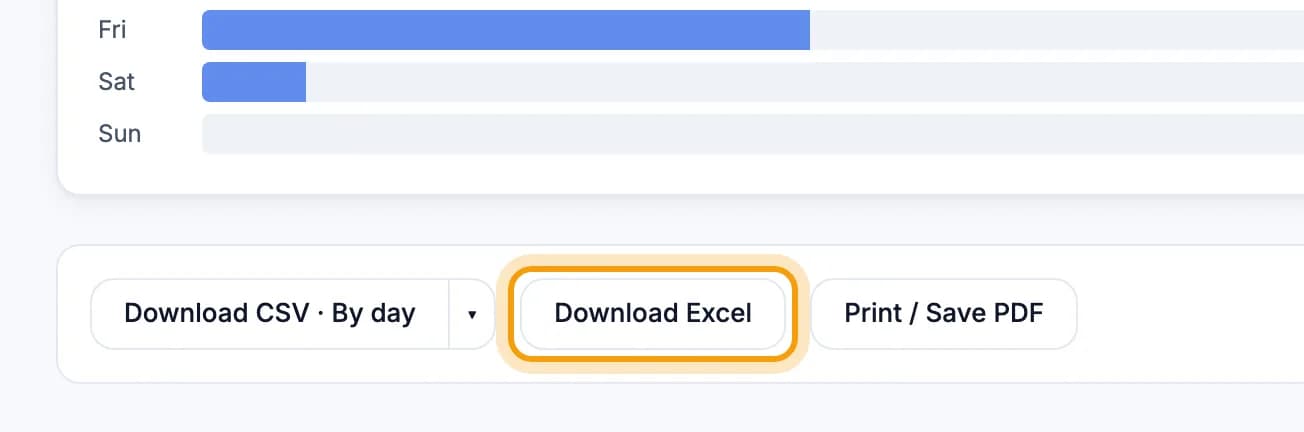
Tap Download Excel at the bottom to save the report.There is also Download CSV and Print / Save PDF.
Tip: The report for each cashier shift is under Z-Report. See Shifts & closing the till.
Export for your books
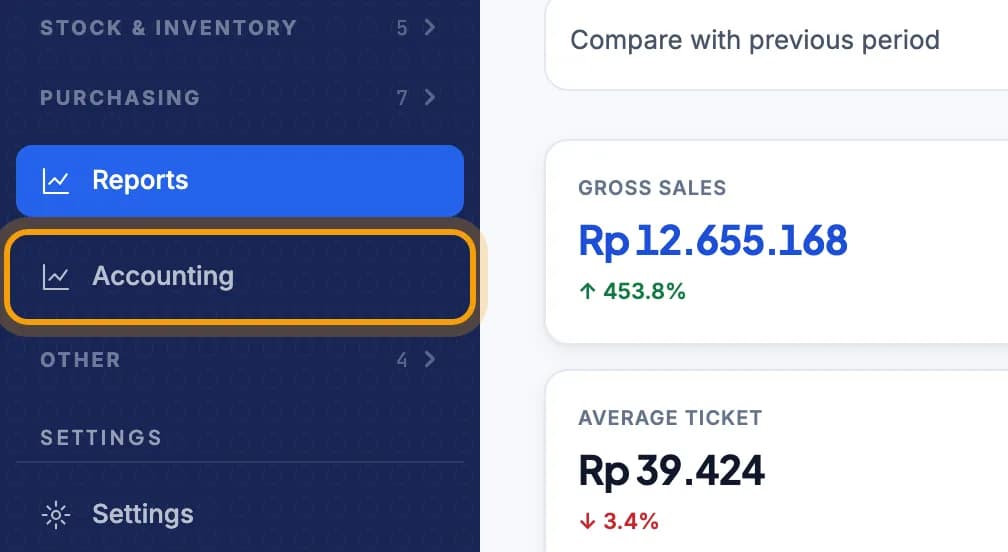
Tap Accounting in the left menu.
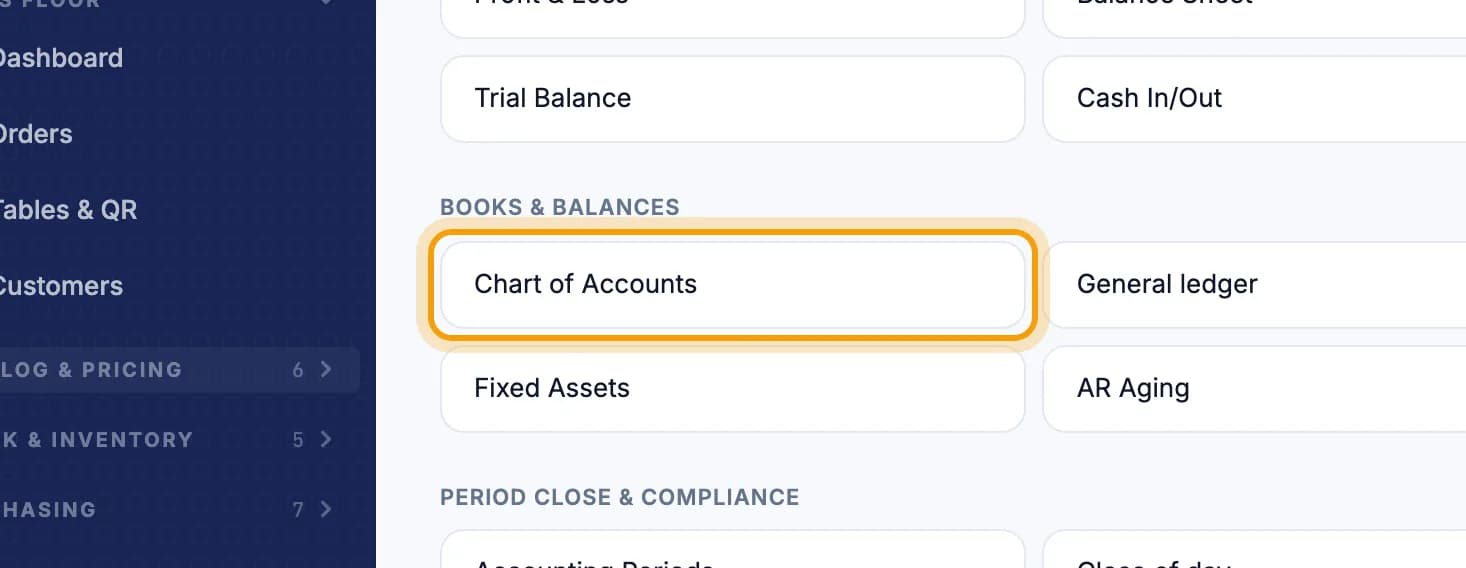
Tap Chart of Accounts.
Pick the dates, then tap Download Accurate XLSX.Using other software? Tap Download CSV.
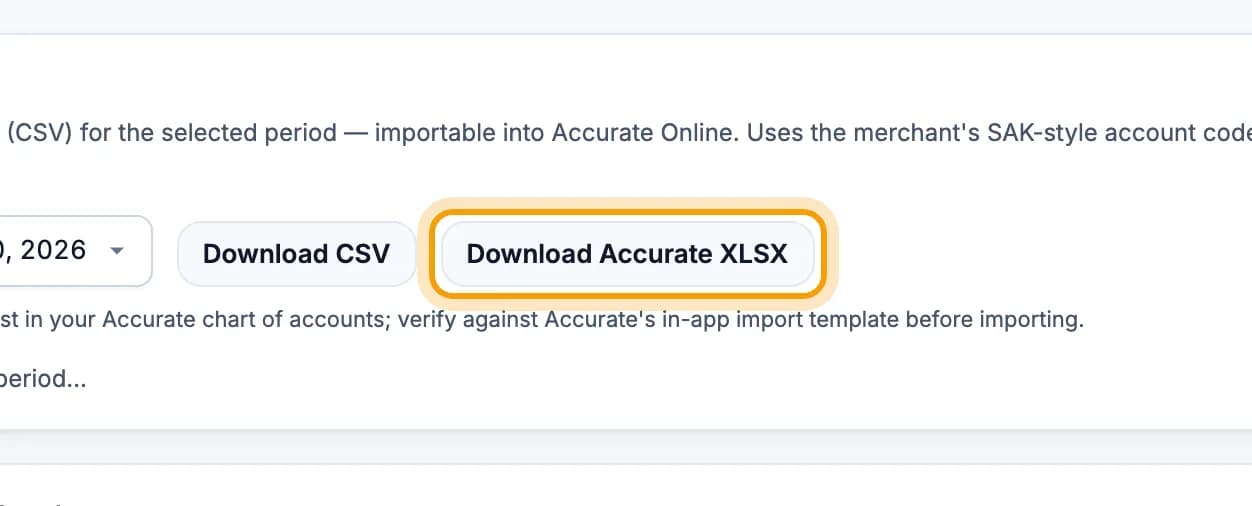
Note: The account codes must already exist in Accurate. Check them against the import template in the Accurate app before you import.
Done.
Bookmark this page, or send a section's link to your staff.